40+ video models in one picker
Kling 3.0, Kling O3, Veo 3.1, Seedance 2.0, Sora 2, Flux 3, Luma Ray and more. Pick a model yourself or let auto-route choose for the prompt.


Turn a prompt or photo into a cinematic clip with /video. 40+ video models including Kling 3.0, Veo 3.1 and Seedance 2.0, from 4 credits a second.
Turn a prompt or photo into a cinematic clip with /video. 40+ video models including Kling 3.0, Veo 3.1 and Seedance 2.0, from 4 credits a second.
Describe a scene and get a cinematic clip back, or attach a photo and tell it how to move. /video runs your prompt on 40+ video models, from Kling 3.0 and Veo 3.1 to Seedance 2.0, starting at 4 credits per second.
Krater pricing · AI model directory · AI Image Generator and Photo Editor · Turn an image into a prompt free
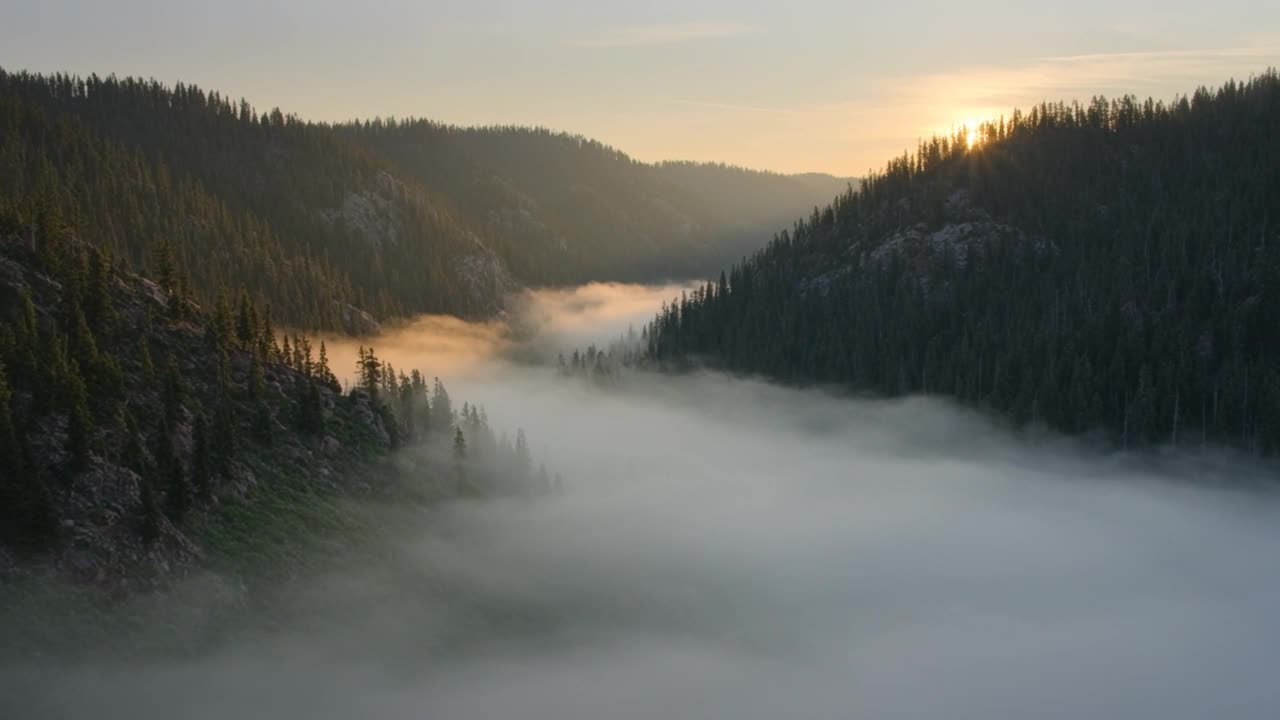
Aerial drone shot gliding over a misty pine forest valley at sunrise, cinematic color grade
Kling 3.0 · 5s · 175 credits
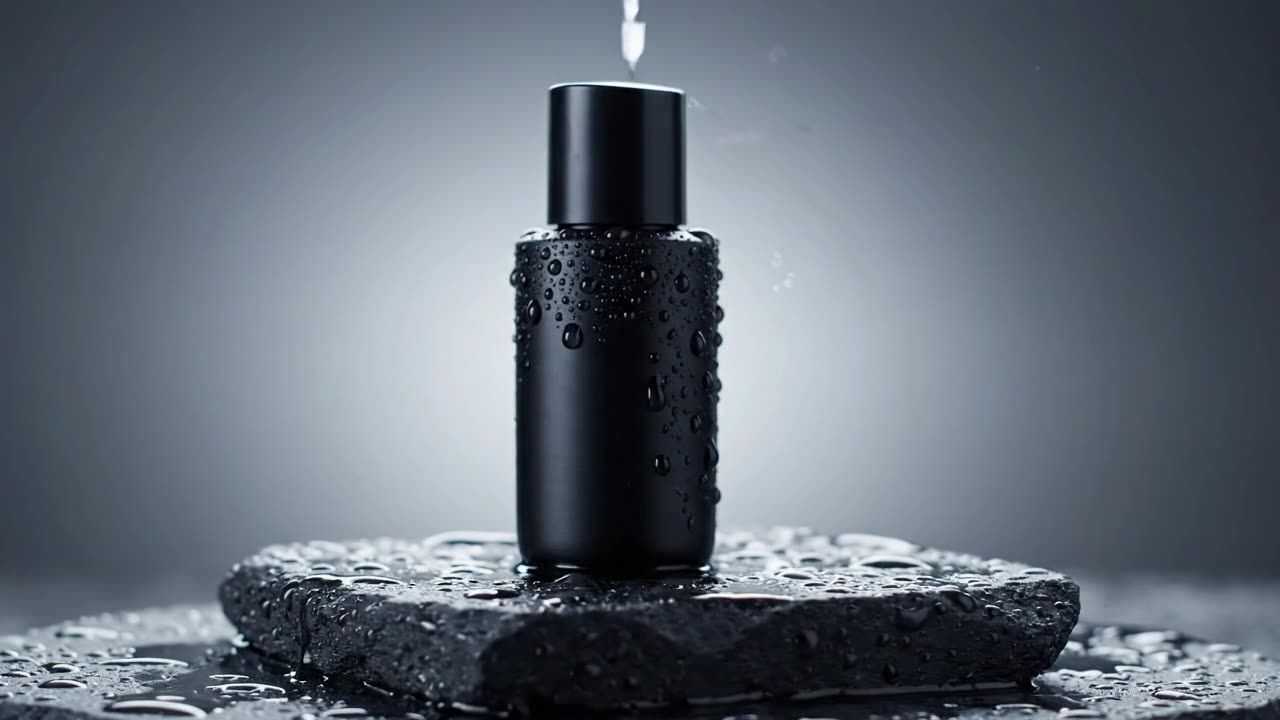
Slow rotating shot of a matte black skincare bottle on a wet stone pedestal, water droplets, soft studio lighting, product commercial
Veo 3.1 Lite · 6s · 75 credits
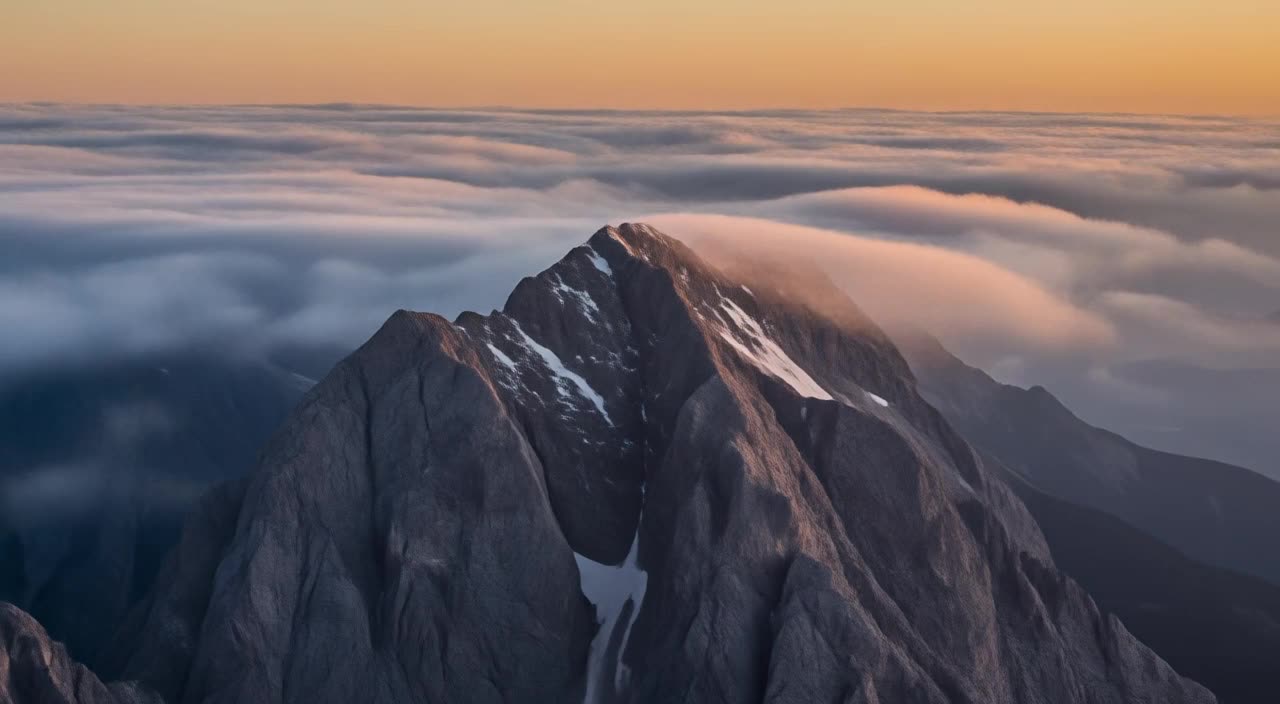
Timelapse of clouds rolling over a mountain peak at golden hour, cinematic
Flux 3 Video Draft · 5s · 75 credits
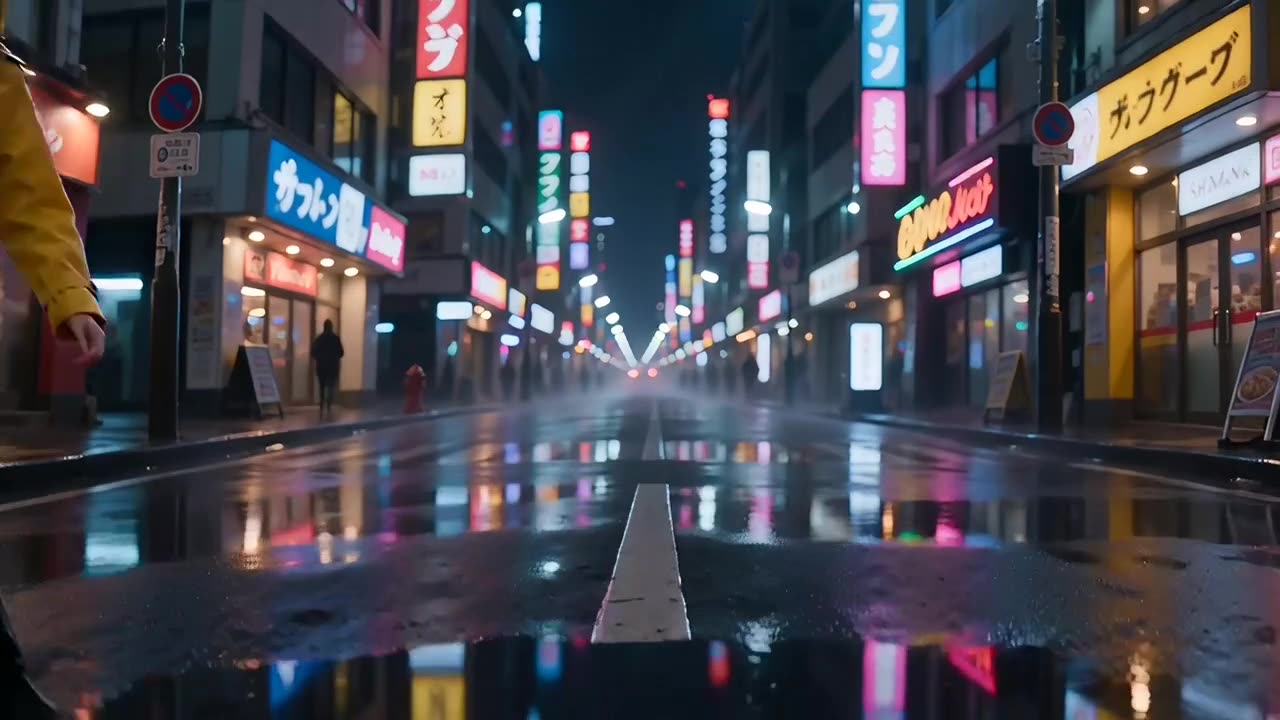
A young woman in a yellow raincoat walking through a neon-lit Tokyo street at night, rain reflections, cinematic tracking shot
Seedance 2.0 · 5s · 302.5 credits
Kling 3.0, Kling O3, Veo 3.1, Seedance 2.0, Sora 2, Flux 3, Luma Ray and more. Pick a model yourself or let auto-route choose for the prompt.
Image to video is built in. Drop a product shot, artwork or generated frame onto the command and describe the motion.
Kling 3.0, Veo 3.1 and Seedance 2.0 can generate ambient sound and effects with the clip. Toggle audio per generation.
Most models generate 4 to 15 second clips and LTX-2.3 reaches 20 seconds. Extend supported clips for longer scenes.
16:9 widescreen, 9:16 vertical for Reels and Shorts, 1:1 square and more, picked per generation.
Clips are yours to use in client work, ads, products and publishing, with no extra licensing.
Say what happens, the setting and the camera move. Specific prompts consistently beat short ones.
Auto-route picks a model for the prompt, or open the picker and set model, aspect ratio, duration and audio yourself.
Drop an image onto the command and describe the motion. It switches to image to video automatically.
Watch the clip render in place, extend supported models for longer scenes, or save the mp4 to your library.
Vertical clips for Reels, Shorts and TikTok, generated at 9:16 without opening an editor.
Product spots, ad concepts and campaign teasers in minutes instead of a production week.
Animate product photos into short showcase clips for listings, ads and store banners.
Storyboards, mood clips and visual development at a pace a camera test cannot match.
Launch videos, product teasers and pitch visuals without a video editor on staff.
/video makes clips of seconds, not films. Multi-scene timelines, transitions and color grading still belong in a video editor.
Reference modes keep a subject similar between generations, but a multi-shot story with the same character still needs manual direction.
There is no free plan for video. Video starts on Pro at $20 per month. For a single hobby clip, a free generator is enough.
Not fully. /video requires a paid plan. Pro is $20 per month and includes monthly credits; video starts at 4 credits per second on models like Kandinsky 5.
It depends on the model, length and settings. A 5 second clip runs from about 20 credits on budget models to 175 credits on Kling 3.0. The exact cost shows in the picker before you generate.
Yes. Attach an image to /video and describe the motion. Most flagship models, including Kling 3.0, Veo 3.1 and Seedance 2.0, support image to video.
Most models generate 4 to 15 second clips and LTX-2.3 reaches 20 seconds. On supported models you can extend a clip further. For multi-minute video, generate several clips and cut them together in an editor.
Generate the frame, then animate it here.
Score your clip with generated sound effects.
Add a generated voiceover to your video.
Every video model with credit pricing and capabilities.