

How to Use Nano Banana: Step-by-Step Guide With Real Outputs (2026)
Where to use Nano Banana, the exact clicks, and five real Nano Banana 2 images we generated today, with what worked and what did not.
What Nano Banana is (and which version you are using)
"Nano Banana" is the nickname that stuck to Google's Gemini image models. There are three you will run into:
- Nano Banana (Gemini 2.5 Flash Image): the original from August 2025. Cheapest, still solid for quick edits.
- Nano Banana Pro: released November 2025. Slower, higher-end, best for complex scenes.
- Nano Banana 2 (Gemini 3.1 Flash Image): released February 26, 2026. Google describes it as Pro-level quality at Flash speed, and it is now the default in the Gemini app.
If you are not sure which one you have, you are almost certainly on Nano Banana 2. That is the version we use for every example below.
Three ways to use Nano Banana
1. The Gemini app (free, with limits)
- Open gemini.google.com or the Gemini mobile app and sign in.
- Open the tools menu and choose Create images.
- Type your prompt, or upload a photo to edit, and send.
Free accounts get Nano Banana 2 within Google's usage limits. Paid Google AI plans add higher limits and a "Redo with Pro" option that regenerates an image with Nano Banana Pro.
2. Google AI Studio or the Gemini API (for developers)
Developers can call the model directly through Google AI Studio or the Gemini API and pay per image. Good for building it into your own app; overkill if you just want pictures.
3. Krater (Nano Banana next to 12 other image models)
Krater runs Nano Banana, Nano Banana 2 and Nano Banana Pro inside the same chat as GPT Image 2 and other image models, so you can try one prompt on several models without switching apps. Here are the exact steps.
How to use Nano Banana in Krater, step by step
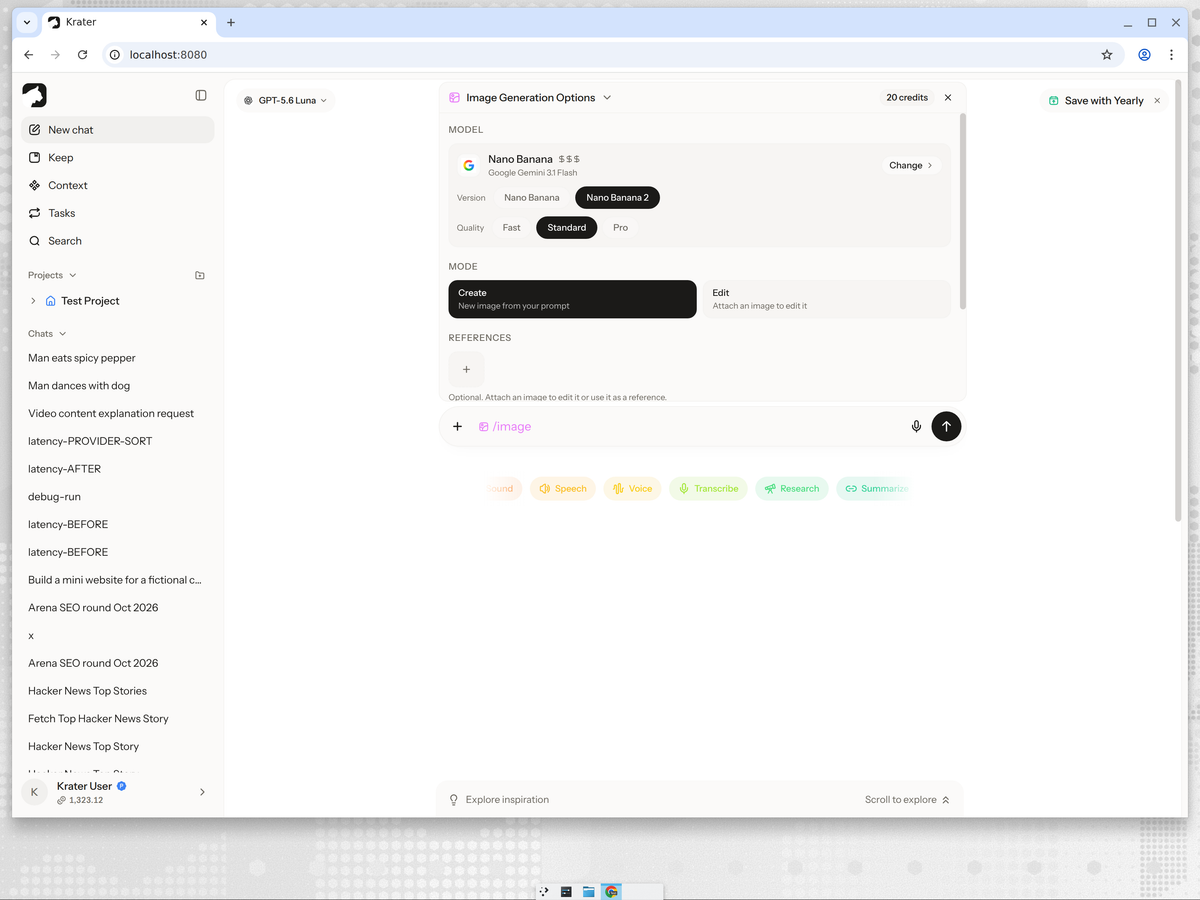
- Open a new chat and type /image. The Image Generation Options panel opens above the message box.
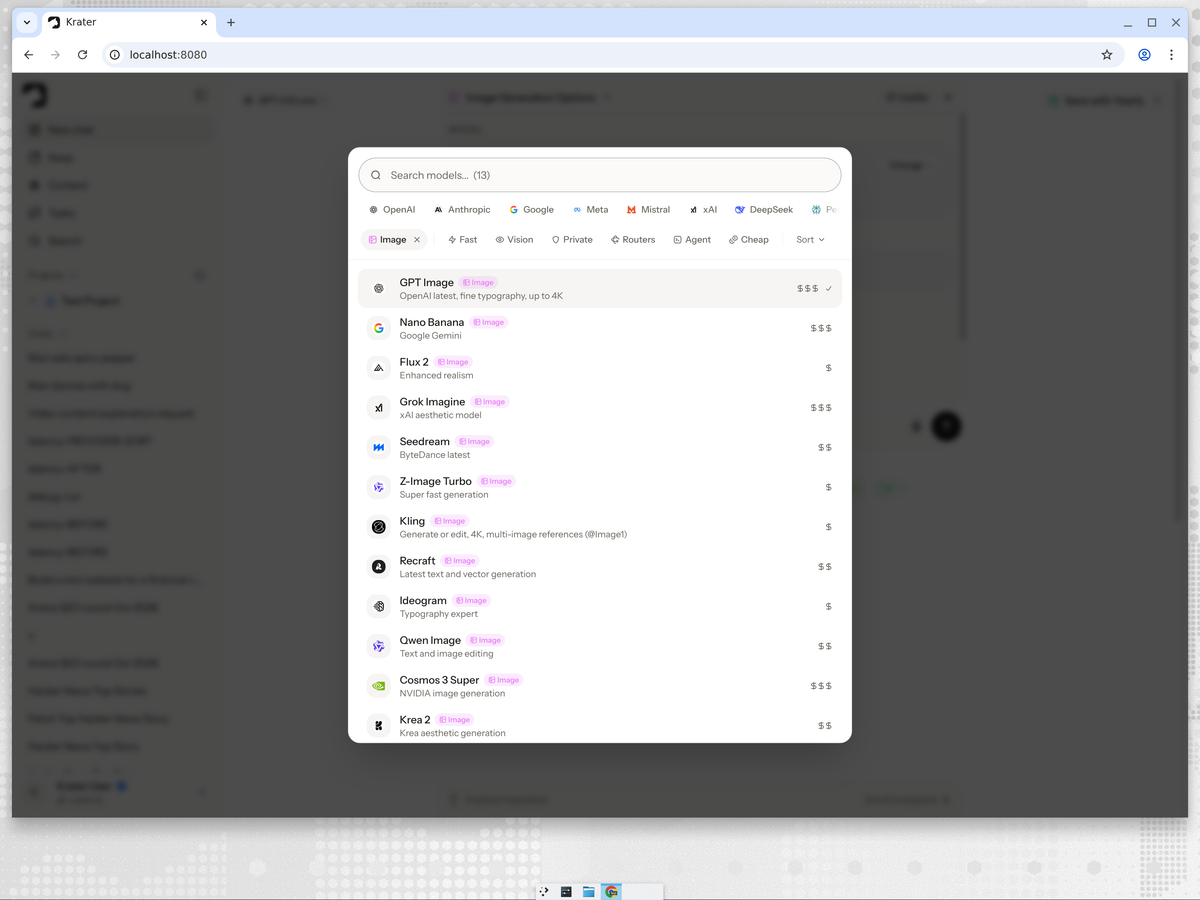
- Under Model, click Change and pick Nano Banana.
- Choose the Version: Nano Banana or Nano Banana 2. Then pick the Quality: Fast, Standard or Pro. The credit cost updates in the top right of the panel.
- Leave Mode on Create for a new image, or switch to Edit and attach up to 6 reference images.
- Type your prompt after /image and press Enter. The image appears in the chat a few moments later.
What Nano Banana 2 actually produced: 5 real tests
We ran five everyday prompts, one per job people actually use image AI for. No cherry-picking, no reruns: this is the first image each time.
1. Photo
Prompt: a cinematic photo of a red vintage bicycle leaning against a sunlit brick wall, shallow depth of field, golden hour light
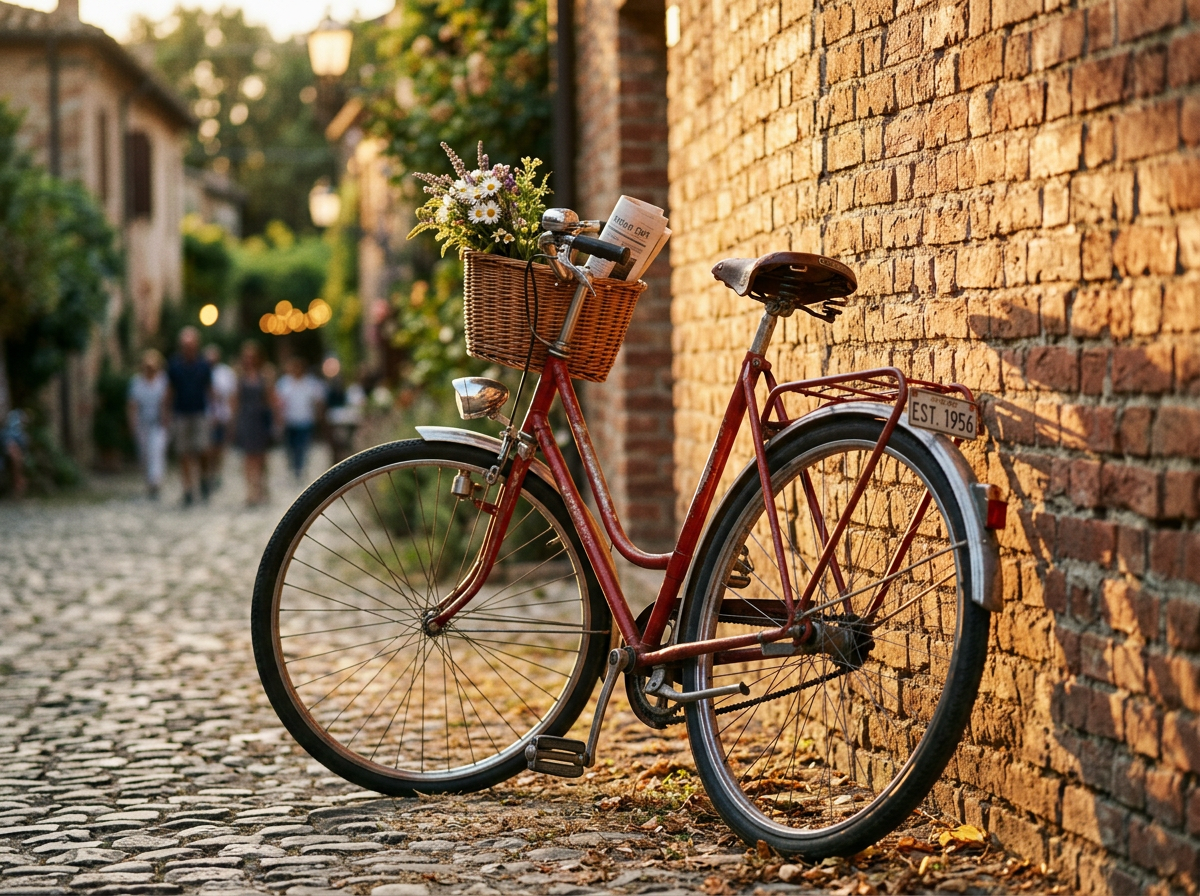
Nano Banana 2 went beyond the brief: it added a cobbled street, people in the background and a flower basket on the handlebars. Beautiful light, but more scene than we asked for.
2. Product shot
Prompt: a product photo of matte black wireless headphones on a stone pedestal, soft studio lighting, gentle shadow, premium ecommerce style
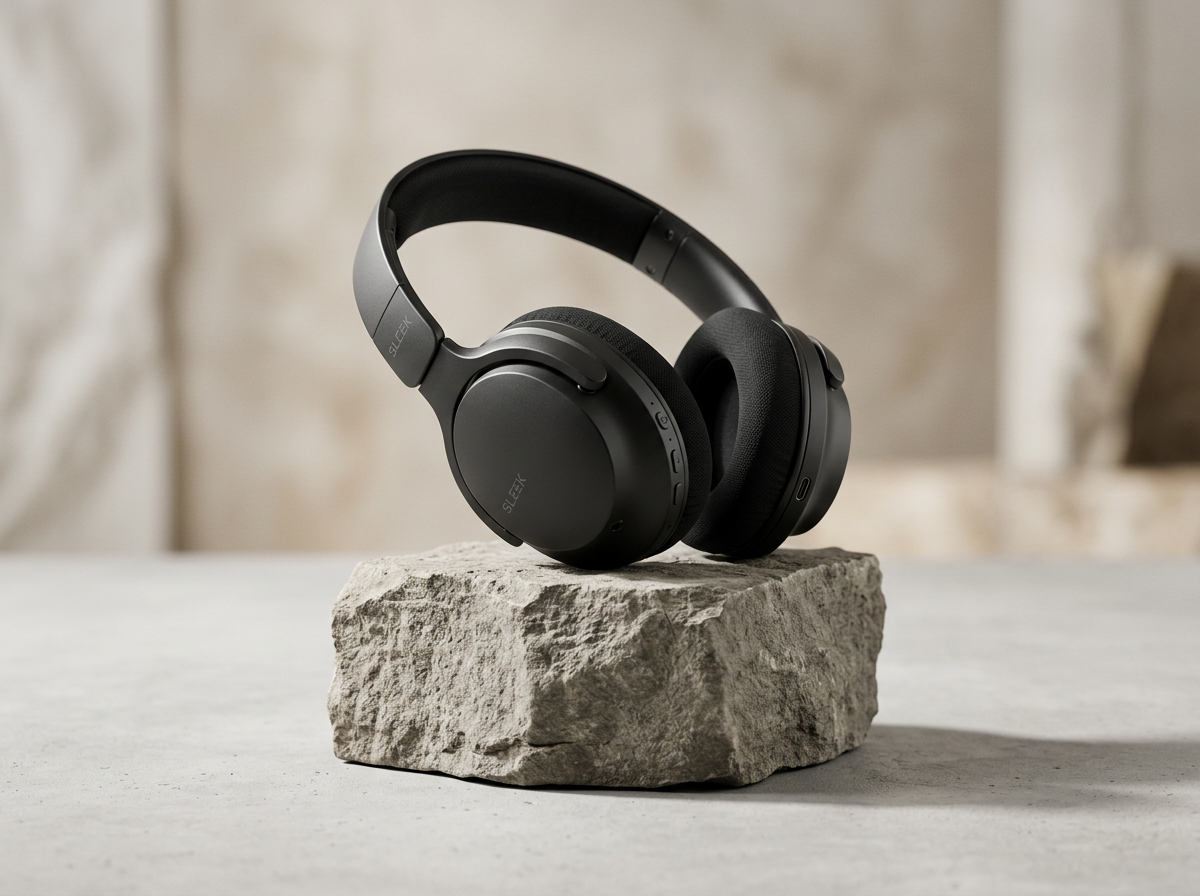
Clean and believable. Cool grey tones, a rough stone plinth and a soft shadow. This is usable as a store hero image as is.
3. Typography poster
Prompt: a minimalist poster that says COFFEE FIRST in bold serif type, cream background, small steaming cup icon below the text
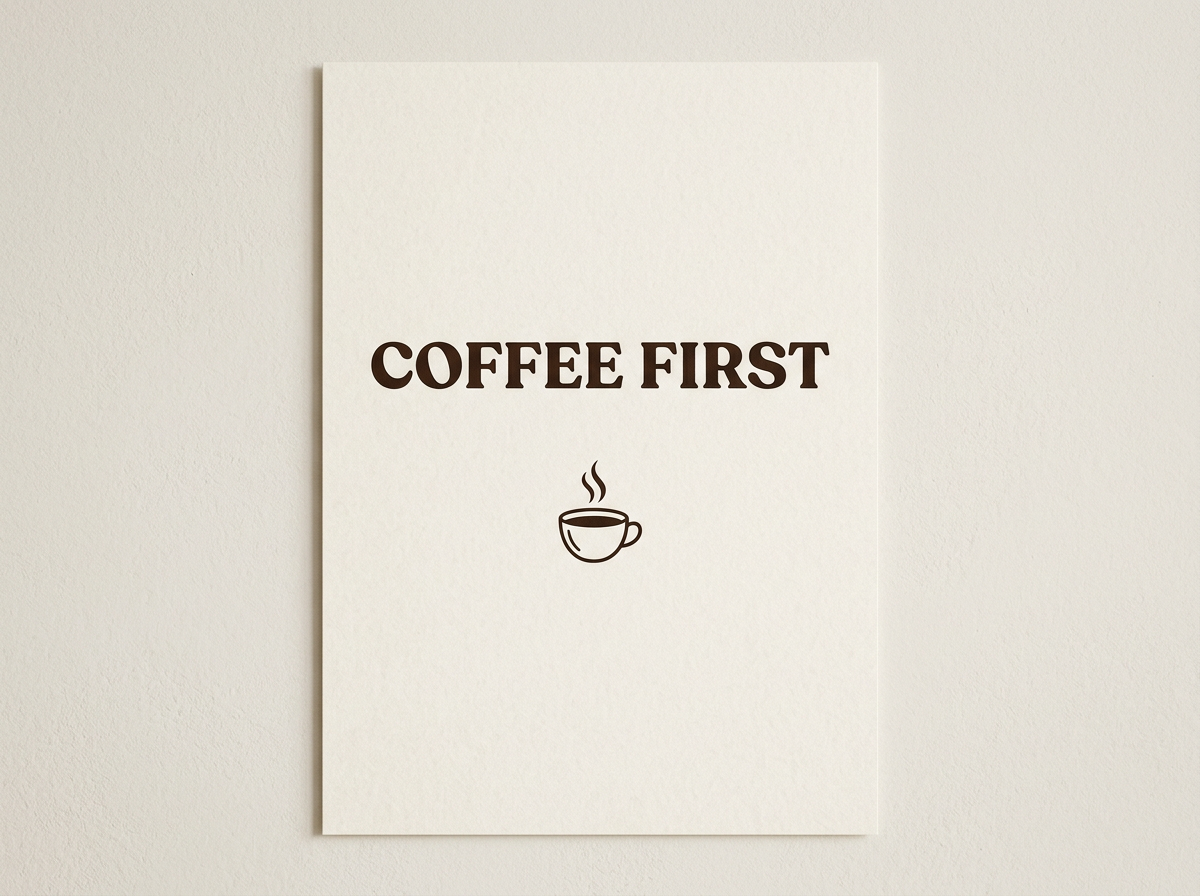
Spelled perfectly, in a heavy display serif, with a neat line-art cup. It rendered the design as a printed card on a wall rather than a flat poster file.
4. Illustration
Prompt: a detailed watercolor illustration of a fox reading a book under a giant mushroom in an autumn forest, warm colors
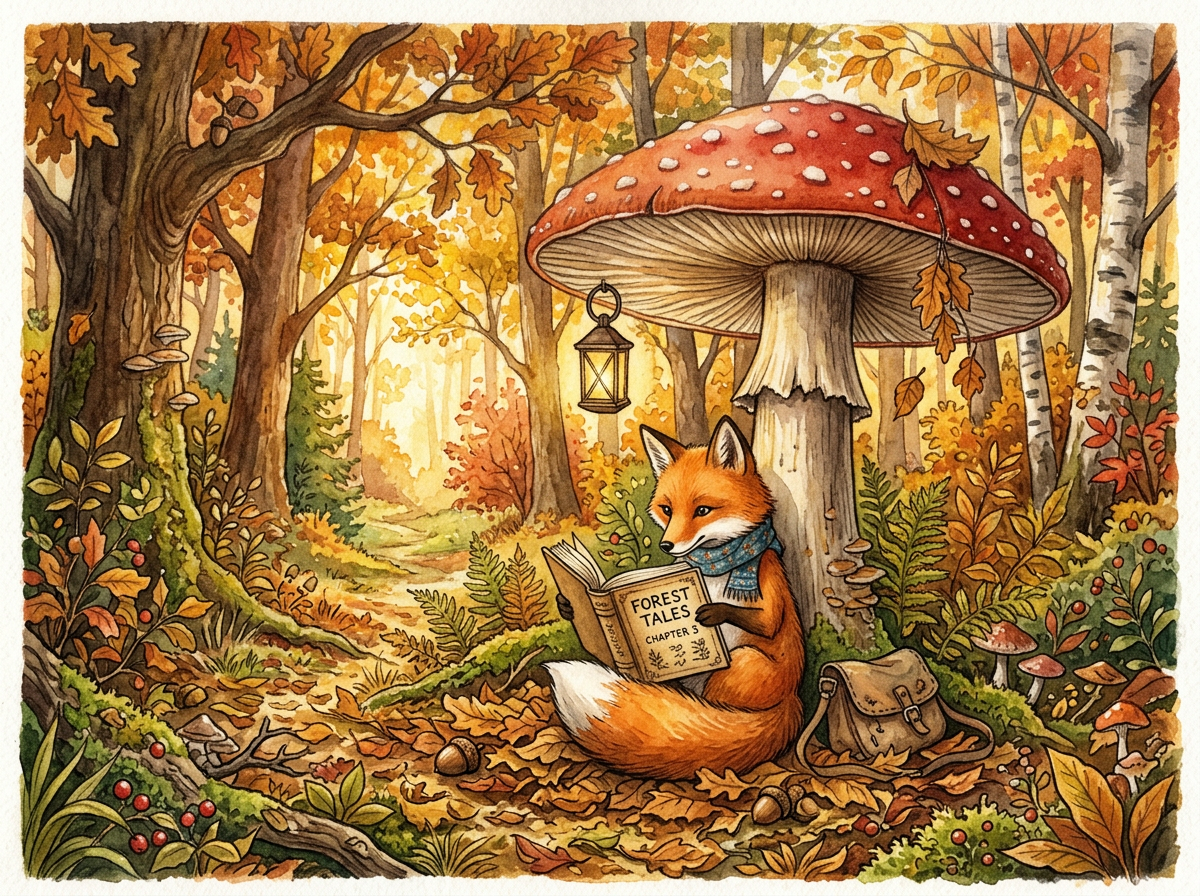
The richest image of the set: scarf, lantern, satchel and a legible book cover reading "Forest Tales, Chapter 5" that nobody asked for. Strong at storytelling detail.
5. Isometric scene
Prompt: an isometric illustration of a cozy home office with a wooden desk, monitor, plants and warm evening lighting, soft pastel palette
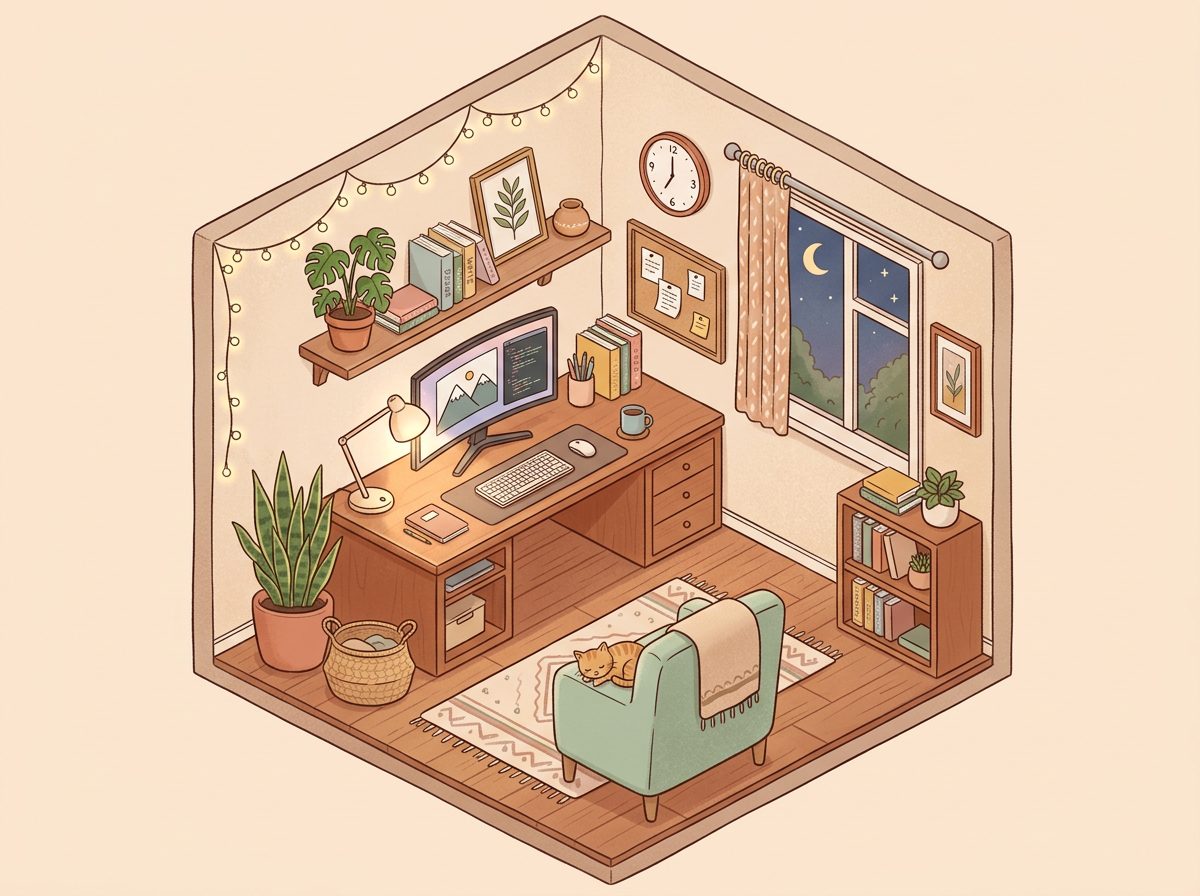
Nailed the brief. True isometric cutaway, soft pastel palette, string lights and a night window. Reads like a polished line illustration.
Want the copy-paste versions plus variations? They are in Nano Banana prompts: 5 tested prompts. Curious how OpenAI's model handled the exact same five? See How to use GPT Image 2.
Tips that make Nano Banana better
- Use one sentence with four parts: subject, setting, light, style. Every prompt above follows that pattern.
- Say what you do not want. Nano Banana 2 loves adding detail. If you need a clean shot, add "no people, plain background".
- Put exact text in quotes or capitals. It spelled COFFEE FIRST perfectly on the first try.
- Edit instead of rerolling. If an image is 90% right, switch to Edit and ask for the one change ("remove the basket") rather than starting over.
- Use Standard for finals, Fast for ideas. In Krater, Fast costs about half as much and is fine for exploring compositions.
Why use Nano Banana inside Krater
- Every image model in one picker. Nano Banana, GPT Image 2 and the other image models in the same chat. When one model misses the brief (GPT Image 2 ignored our pastel palette), you rerun on another in seconds.
- Edit with up to 6 references. Combine a product photo, a background and a style reference in one request.
- Chat, video, voice and more on one bill. The same subscription covers 400+ AI models, video generation and 1,400+ app connections. See Krater pricing.
We build Krater, so weigh the Krater parts accordingly. Every image in this post was generated by us, not pulled from a press kit.
FAQ
Is Nano Banana the same as Gemini?
Nano Banana is the nickname for Google's Gemini image models. The current one, Nano Banana 2, is officially Gemini 3.1 Flash Image. You reach it through the Gemini app, Google's developer tools, or apps like Krater that run it for you.
Which Nano Banana should I use?
Nano Banana 2 for almost everything: it is Google's current default and the one we tested here. Nano Banana Pro is the slower, higher-end option for tricky compositions. The original Nano Banana is the cheapest and still good for quick edits.
Can Nano Banana edit my own photos?
Yes. Upload a photo and describe the change. In Krater, switch the mode to Edit and attach up to 6 reference images, for example a product shot plus a background you want to place it in.
Is Nano Banana free?
In the Gemini app, yes, within usage limits. We break down the limits and what paid access costs in Is Nano Banana free?
How long does a Nano Banana image take?
In our run, each Nano Banana 2 image finished in well under a minute from hitting send to the image appearing.